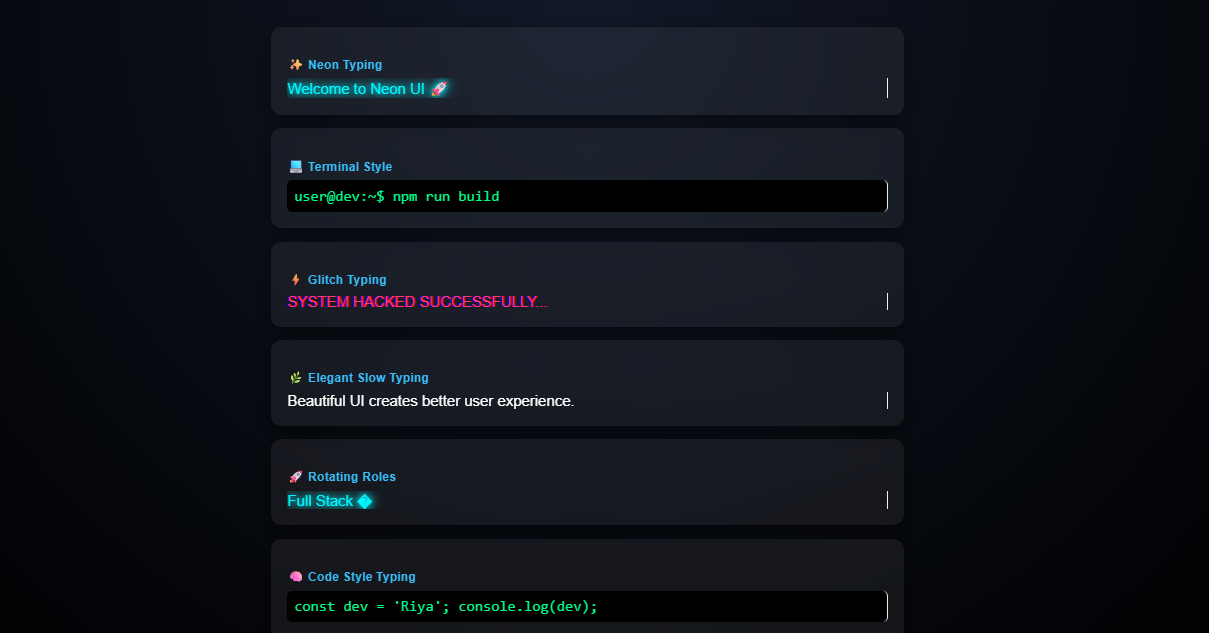
Typing Effect Block
Animated typewriter-style text reveals for headlines and key takeaways.
Doctor eLearning gives you a library of free Rise code blocks — ready-made HTML, CSS, and JavaScript snippets you can copy, paste into your Rise 360 course, and publish. No coding skills needed. Just drop them in and go.
Browse ready-made Rise interactions — copy, paste, and publish without writing code.
Animated typewriter-style text reveals for headlines and key takeaways.
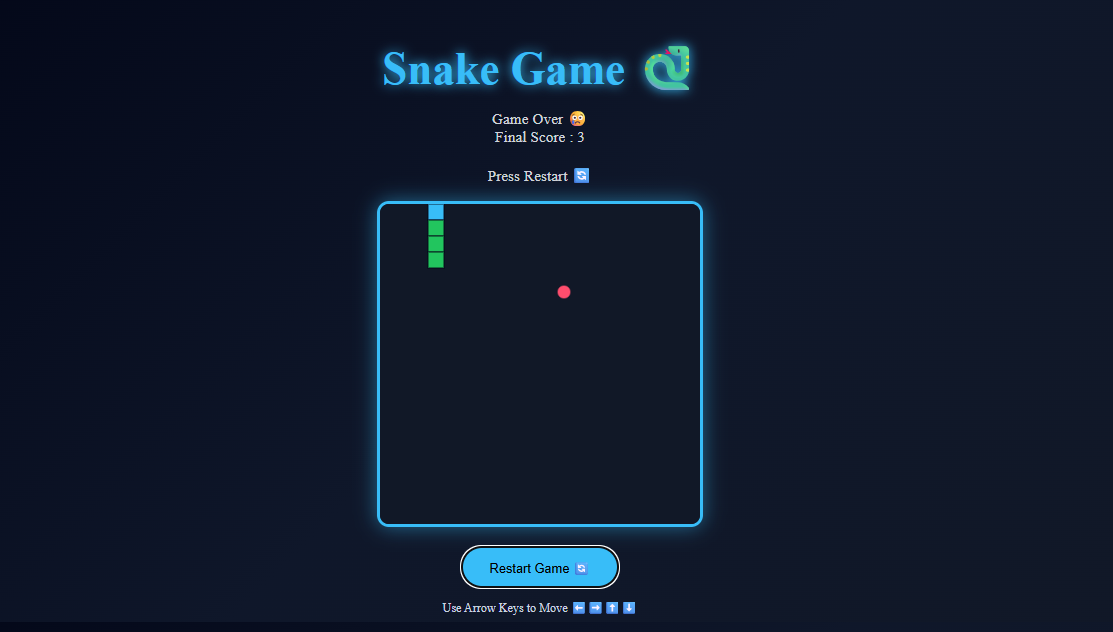
Classic snake game interaction with scoring — playable inside Rise courses.
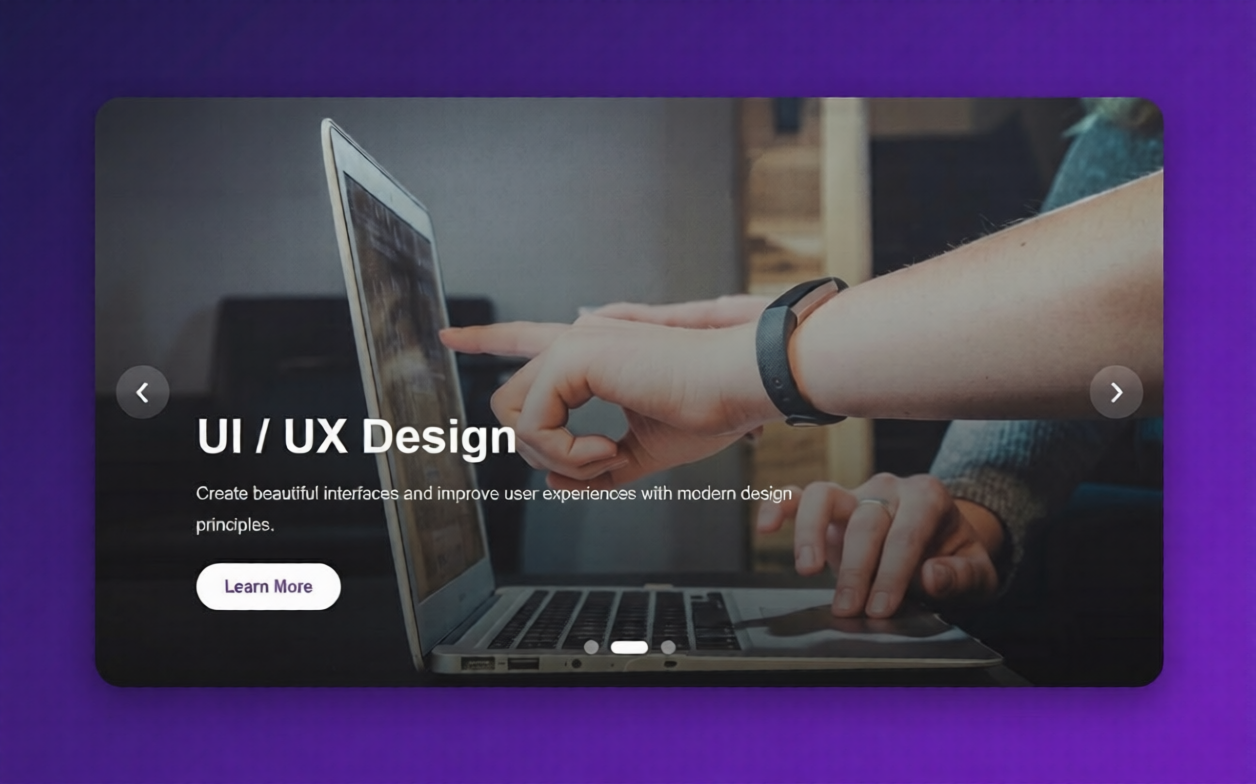
Before-and-after image sliders and blended image reveals in Rise.
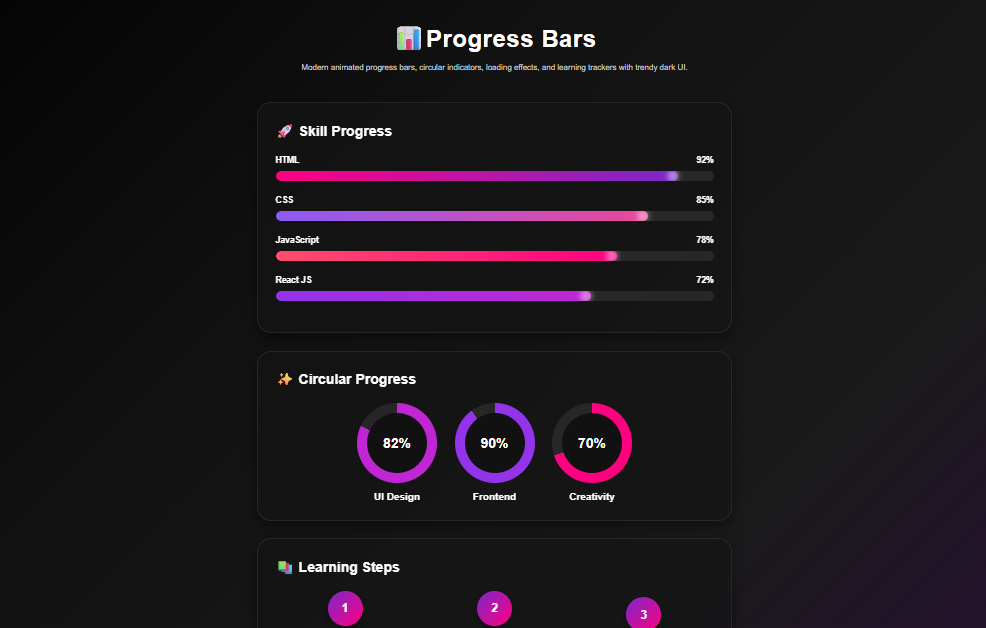
Animated progress bars and completion meters to track learner progress.
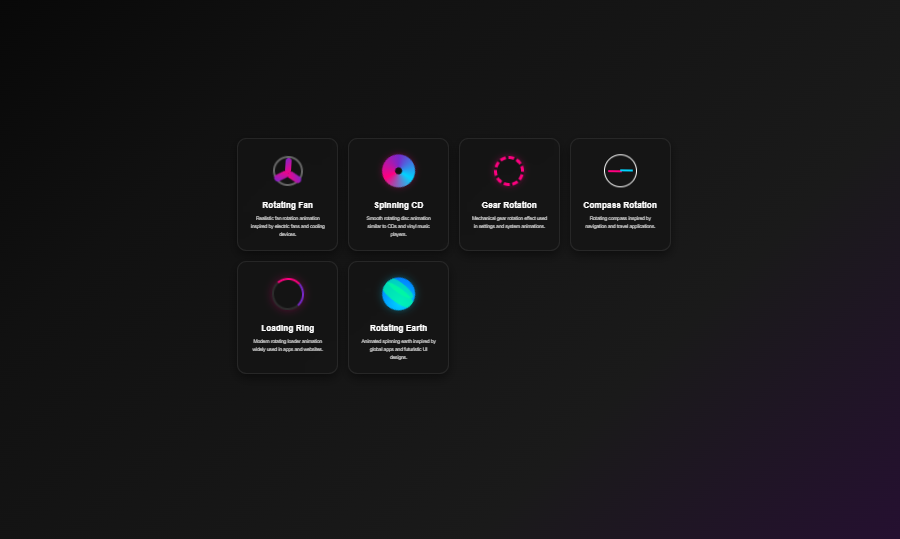
Eye-catching rotating animations to highlight key content in Rise lessons.
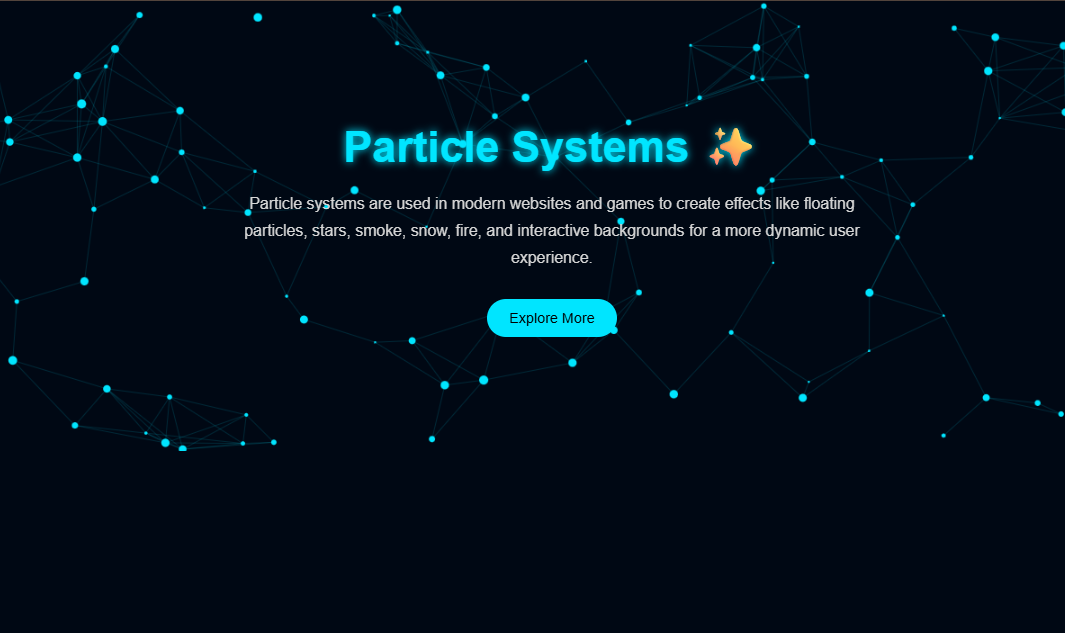
Animated particle effects to add visual flair and engagement to Rise lessons.
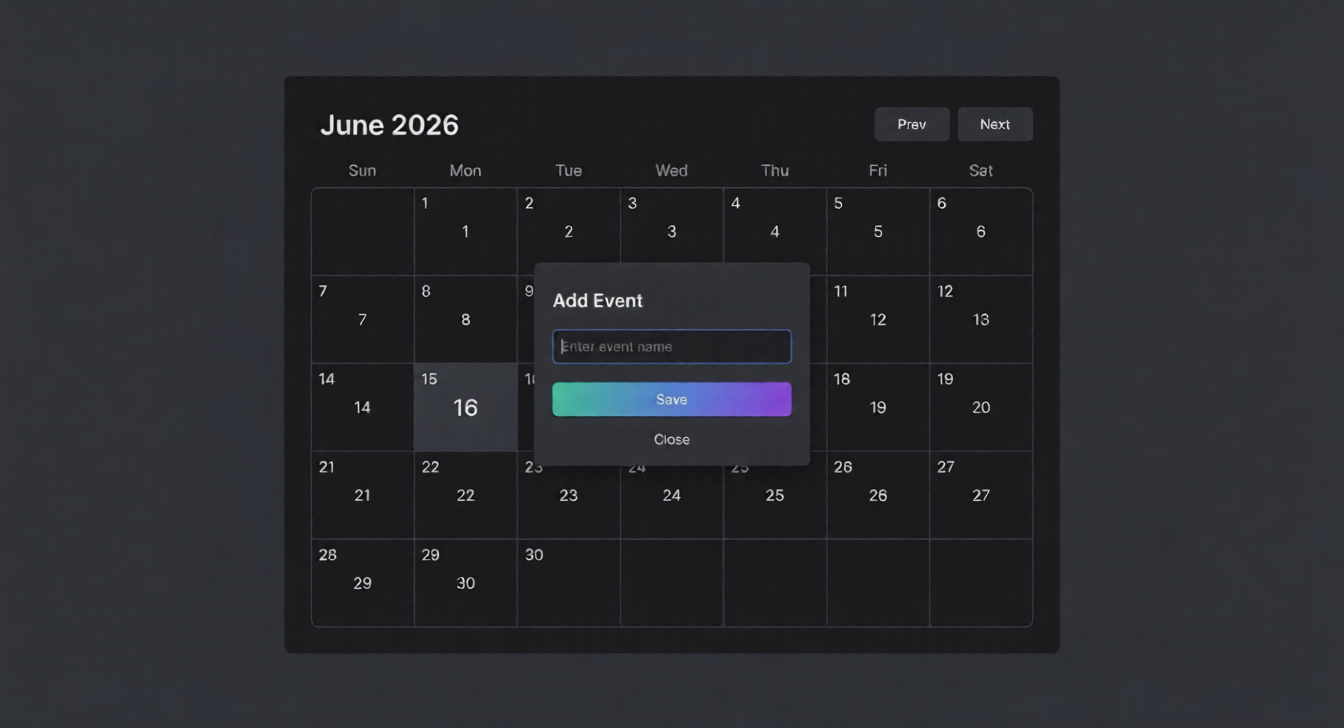
Interactive calendars for dates, schedules, and event-based lessons.
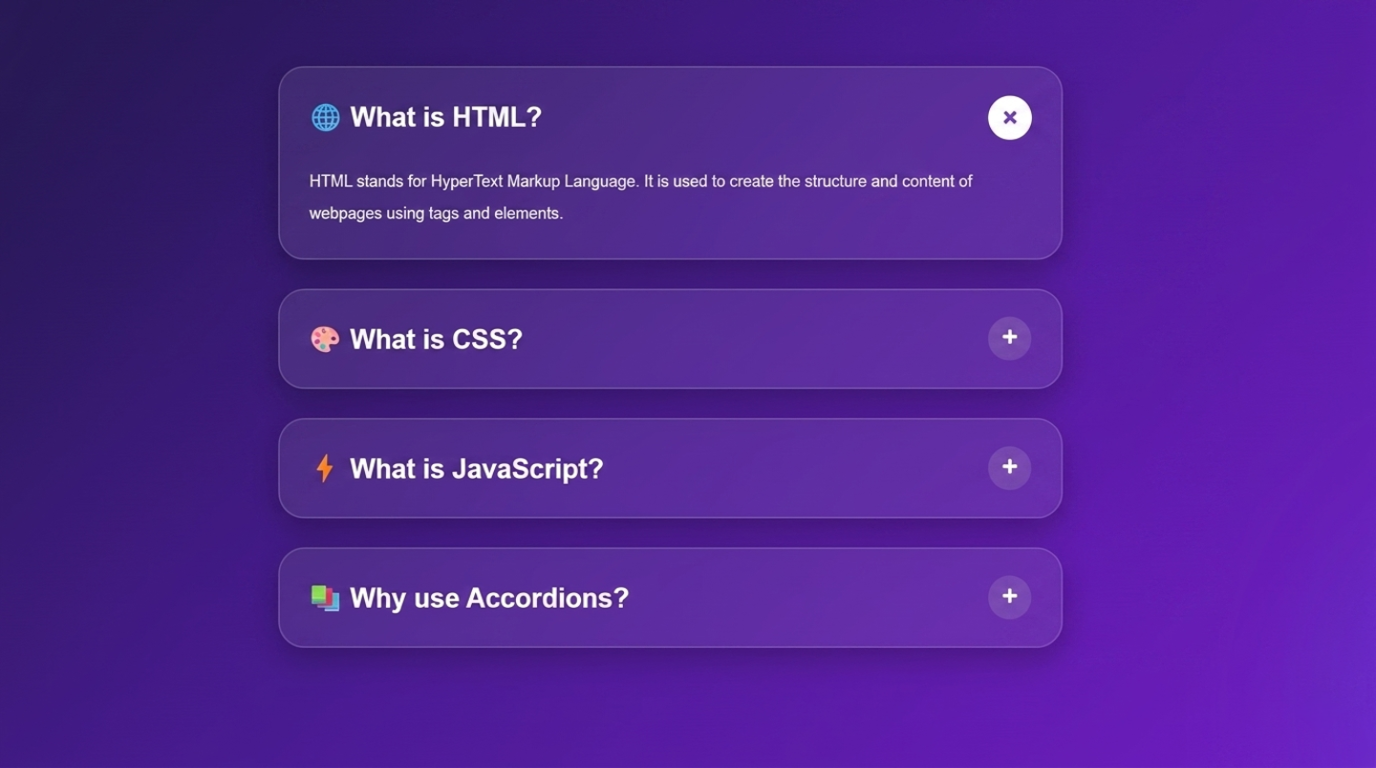
Expandable accordion panels to organize dense content in Rise.
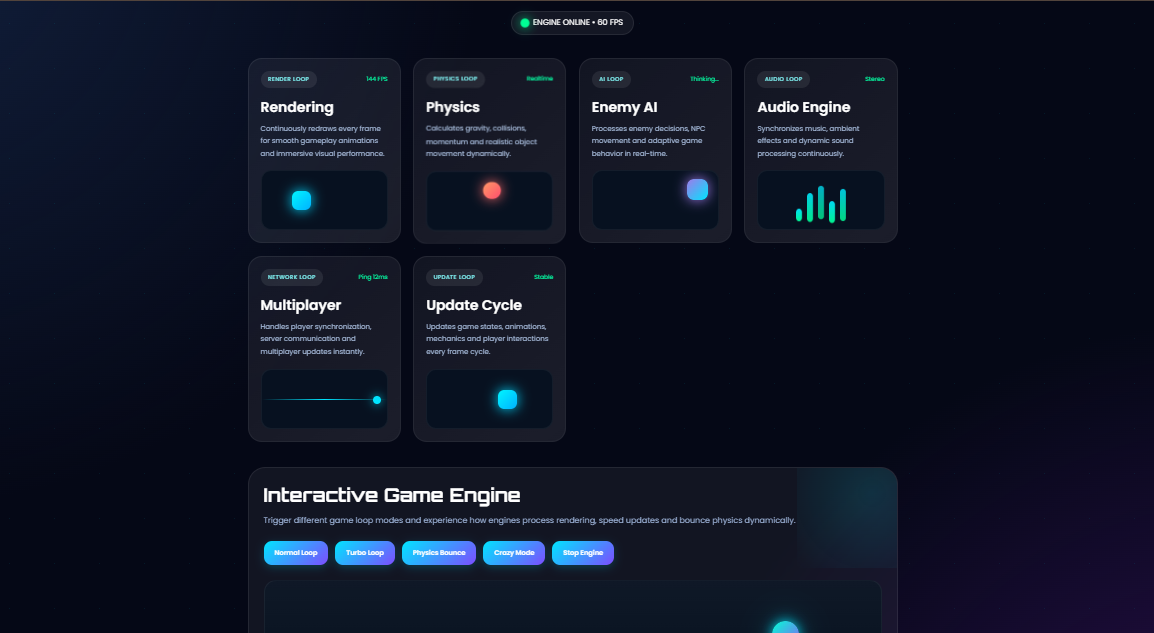
Replayable game loops with score tracking for engaging practice.
Rise 360's Code Block lets you embed custom HTML, CSS, and JavaScript directly in any lesson — no external hosting or workarounds.
Doctor eLearning's free Rise code blocks are ready-made snippets you paste in. Add quizzes, flip cards, drag-and-drop, timers, and more — no coding required.
Add interactivity to Rise courses without depending on developers or Storyline blocks.
Skip building from scratch — use battle-tested code blocks and customise.
Get Storyline-level interactivity inside Rise without hiring a developer.
Deliver richer Rise courses to clients faster using pre-built blocks.
Doctor eLearning's free Rise code block library covers the most-needed interaction types for eLearning. Every block is copy-paste ready and tested inside Articulate Rise 360.
Timed quizzes, trivia games, and score-tracking interactions inside Rise — without Storyline.
Animated flip cards for vocabulary, definitions, and key concepts.
Animated, clickable checklists for process-based training.
Drag-and-drop style interactions built in pure HTML and JavaScript.
Custom-styled tabbed content beyond Rise's native styling options.
Points counters, progress meters, star ratings, and reward animations.
Image compare sliders, blended image reveals, and scrolling tickers.
Character dialogue layouts and branching mini-scenarios in Rise.
Confetti, custom dividers, animated text reveals, and more.
Note: All code blocks in the library are included with your free account — sign up once and copy any block at no extra cost.
Create a free account at doctorelearning.com — no credit card needed. After logging in, find the Rise Code Blocks section on your dashboard, copy the HTML/CSS/JS snippet, add a Code Block in Rise 360 (Add Block → Multimedia → Code), paste the code, preview, and publish to SCORM or web.


Each block would take hours to build from scratch — copy, paste, and customise instead.
Only change the content — questions, labels, colors — not the logic behind the interaction.
Every block is built and tested inside Rise 360's Code Block environment.
Unlock game mechanics, custom visuals, and interactions unavailable natively in Rise.
Change colors, text, and questions to match your brand — clearly marked in every block.
No subscription, no credits, no hidden cost — access the full library with a free account.
Create your free Doctor eLearning account and access the full Rise code block library. No coding, no credit card, no catch — just better Rise courses, faster.


Get In Touch With Us Now
Get free Rise code blocks for Articulate Rise 360, translate courses into 130+ languages, and compress SCORM files — all from one free Doctor eLearning account.