Adobe Captivate Course Translation

Translate Captivate Courses with Zero Hassle

Doctor eLearning's XLIFF & DOC translation engine converts your Adobe Captivate courses into any language — preserving layouts, interactions, and media — across all versions of Captivate

Try Now

How to AI Translate Adobe Captivate Courses Using DOCX-XLIFF Export ?

What Our Product Provides?

Compressor

All Captivate Versions Support

Full compatibility with every Adobe Captivate release — from version 5 through Captivate 2023, Captivate Classic, and Adobe Learning Manager.

Compressor

Universal XLIFF Support

Compatible with major Elearning Authoring tools like Articulate 360, Adobe Captivate, iSpring, Lectora etc. Fully Supports XLIFF 1.2 to XLIFF 2.2 files. Seamless upload with word count etc.

glow Compressor

Advanced Translation Engines

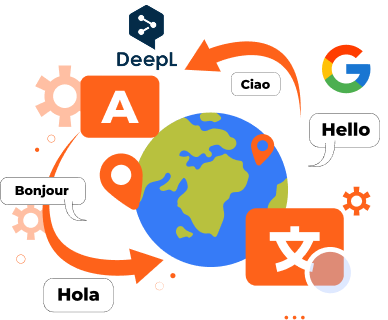
Powered by Google Translate DeepL translation integration AI-driven, context-aware translations Maintain original formatting and course structure.

Simple 4-Step Process

1

Upload Your Captivate Course

Drag and drop your Captivate course file. Supports .cptx or .cpvc files. We support all Adobe Captivate versions — from legacy builds to the latest 2023 release.

2

Choose XLIFF or DOC Export

Doctor eLearning extracts all translatable text into an industry-standard XLIFF file or a clean DOC/DOCX script — your choice.

3

Translate & Import

Send the XLIFF/DOC to your translation team or TMS. Once translated, simply re-import — the tool does the rest automatically.

4

Publish Multilingual Courses

Download your fully translated Captivate project, publish to SCORM, xAPI, or HTML5, and deploy to any LMS in minutes.

Free Account For A Month!

Ready to Translate Your
Adobe Captivate Courses?
Get Started with a Free Trial Now!

Create Free Account Now
glow

Contact Us

Get In Touch With Us Now